Fix Blurry Real Estate Photos with AI
Blurry listing photos lose buyers. Learn how to use AI to fix blurry real estate photos, enhance low-quality pictures, and increase inquiries without a
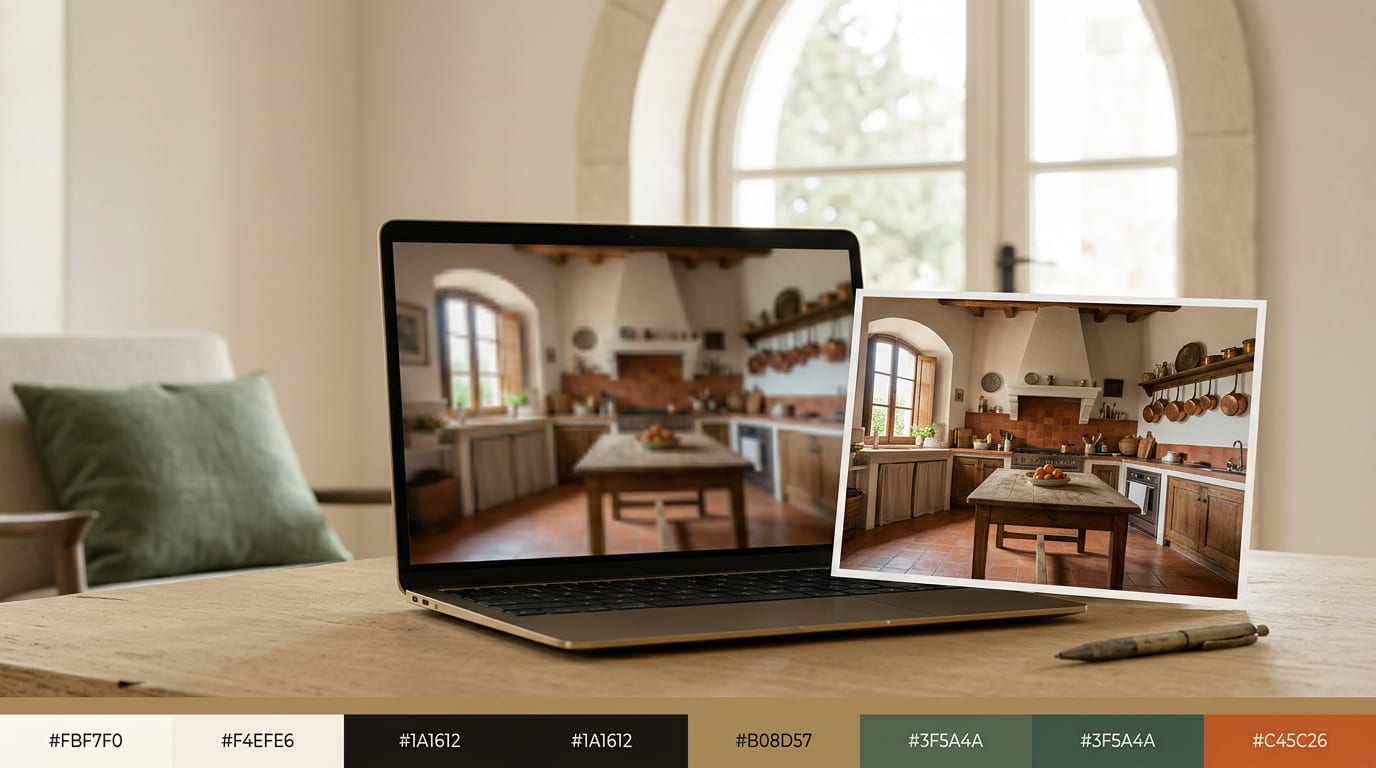
Blurry real estate photos kill your listing's engagement and cost you leads. The fix isn't an expensive reshoot; it's using AI to instantly enhance low-quality property pictures and restore critical detail, attracting more clicks and serious buyers.
The Hidden Cost of Low-Resolution Listing Photos
Low-resolution or blurry images are more than just an aesthetic problem—they are a direct threat to your sales funnel. In today's market, buyers make snap judgments while scrolling through portals. A blurry hero shot signals unprofessionalism, suggests the property might have something to hide, and creates immediate friction. The result is fewer clicks, diminished trust, and a lower perceived value for the property.
When a potential buyer can't clearly see the details of the kitchen countertop, the texture of the flooring, or the view from the window, they disengage. You lose the opportunity to make an emotional connection, and your listing gets lost among sharper, more professional competition.
How to Fix Blurry Photos: Step-by-Step Playbook
Correcting poor-quality images is no longer a time-consuming or expensive task. You can significantly improve your photos in minutes using AI.
Step 1: Identify the Problematic Images
Audit your listing photos. You don't need to fix every single one. Prioritize the most important shots: the primary exterior photo, the kitchen, the living room, and the master bedroom. Look for common issues like pixelation when zoomed in, soft focus, or general lack of sharpness. These are the images that will benefit most from AI enhancement.
Step 2: Use an AI Image Upscaler
Upload your selected low-quality photos to a specialized AI tool built for real estate. An AI image upscaler doesn't just stretch the image; it analyzes the content and intelligently reconstructs missing details, sharpens edges, and removes compression artifacts. This process effectively increases the resolution and makes the photo significantly clearer.
Platforms like GetRestage integrate this technology directly into a real estate professional's workflow. You can upload a blurry photo and the AI will generate a high-resolution version in seconds, ready for your listing.
Step 3: Replace and Publish the Enhanced Photos
Once the AI has processed your images, download the new high-resolution files. Replace the old, blurry photos on your website and property portals. The difference is immediate and impactful. Your listing will now appear more professional, trustworthy, and visually appealing, leading to higher click-through rates and more qualified inquiries.
Comparing Photo Enhancement Options
When you receive a blurry photo, you have several options. Here’s how using an AI tool compares to traditional methods.
| Feature | Manual Editing (Photoshop) | Traditional Agency | AI Upscaler (GetRestage) |
|---|---|---|---|
| Cost | Software subscription + hours of skilled labor | €15 - €40+ per photo | ~€0.20 - €0.75 per photo (via credit plans) |
| Turnaround Time | Hours per photo | 24 - 48 hours | Seconds per photo |
| Skill Required | Expert | None | None |
| Scalability | Very Low | Medium | High (process dozens of images instantly) |
| Consistency | Varies by editor | High | Perfectly consistent results every time |
Frequently Asked Questions
How can I make my property photos clearer?
The fastest way to make property photos clearer is to use an AI image upscaler. These tools analyze the image and intelligently add detail to increase resolution and sharpness. This process can unblur real estate images and correct compression issues in seconds, without requiring any technical photo editing skills.
What is the best real estate photo resolution?
For online listings, aim for a minimum resolution of 1920x1080 pixels. This ensures your photos look crisp on most modern screens. For print materials, you need a much higher resolution (300 DPI). If your source images are too small, an AI upscaler can help you meet these requirements without a reshoot.
Can AI really unblur a real estate photo?
Yes, within limits. AI is extremely effective at correcting photos that are low-resolution, slightly out of focus, or suffering from digital compression. It reconstructs details to create a much sharper result. However, it cannot fix extreme motion blur or images that are completely out of focus.
Next Steps
Stop letting low-quality photos undermine your marketing efforts and turn away potential buyers. Blurry images project a lack of professionalism and reduce interest before a client even reads your property description. Enhancing your photos is a critical step to maximize visibility and inquiries.
The most efficient way to fix blurry real estate photos and elevate your listings is with a purpose-built tool. GetRestage not only enhances image quality but also offers virtual staging, item removal, and other essential AI editing features.
Sign up for GetRestage and start transforming your property photos today.
Next step
Stage your next listing with Restage.