AI Image Enhancement for Real estate Photos
Struggling with dark or dull property photos? Learn how AI image enhancement for real estate instantly corrects flaws, boosts clicks, and secures more
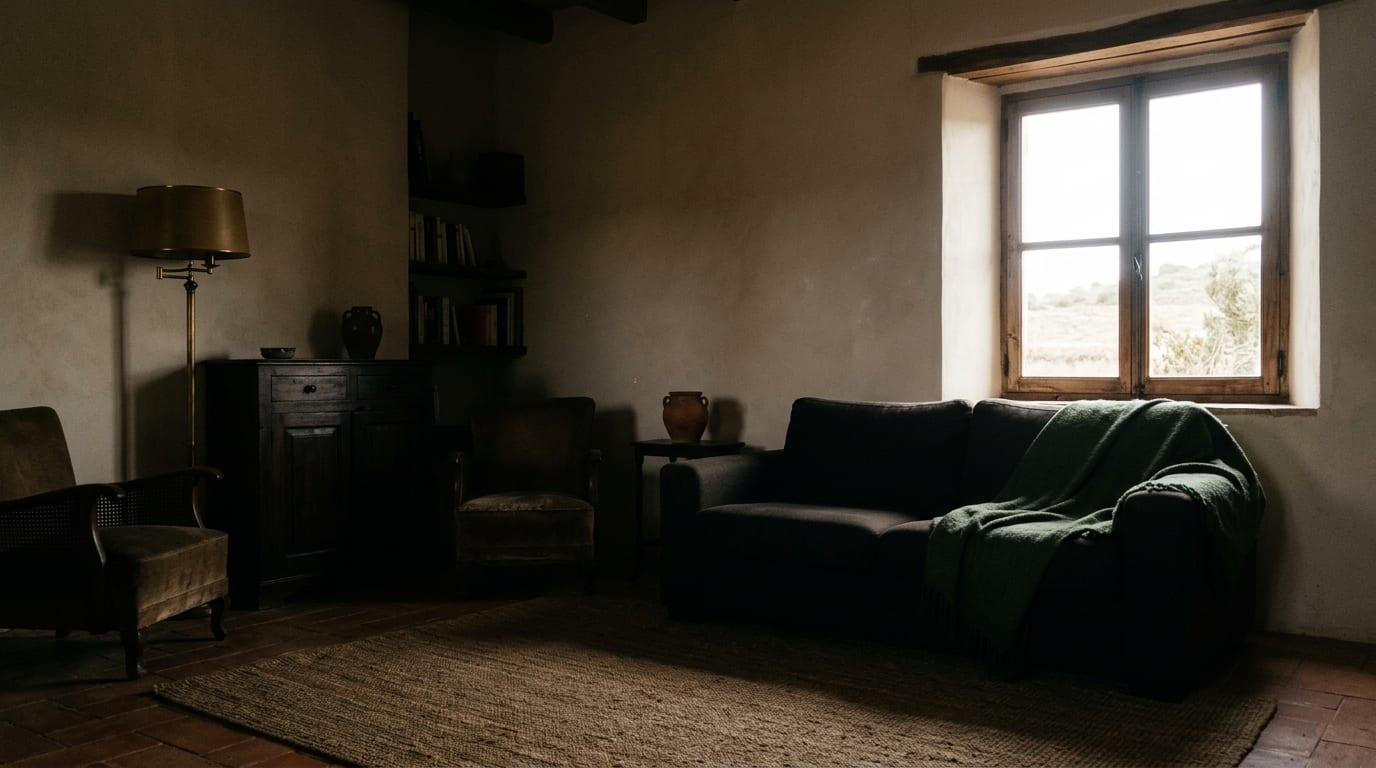
Dark, blurry, or washed-out photos are costing you viewings and slowing down sales. The fix isn't expensive camera gear or complex software—it's AI image enhancement that transforms standard smartphone pictures into professional-quality listings in seconds, attracting more qualified buyers.
The High Cost of Poor-Quality Listing Photos
In real estate, the first viewing happens online. Low-quality images fail to capture a property's true potential, leading directly to lost opportunities. Potential buyers scroll past listings with poor lighting or dull colors, assuming the property itself is undesirable. This directly translates to:
- Fewer Clicks: Listings with professional-quality photos get significantly more engagement and clicks than those with amateur shots.
- Lower Perceived Value: Poor exposure and color balance can make a space feel smaller, darker, and less appealing, reducing its perceived market value.
- Wasted Time & Marketing Spend: You can have the perfect description and price, but if the photos don't perform, your marketing efforts are wasted and the property sits on the market longer.
Fixing these issues used to require hiring a professional photographer or spending hours in editing software. Now, an AI real estate photo editor does the work for you instantly.
How to Use AI Image Enhancement: Step-by-Step Playbook
Using a tool like GetRestage, you can correct common photo flaws in under a minute. The platform's AI is trained specifically on real estate imagery to optimize lighting, color, and sharpness for maximum appeal.
Step 1: Upload Your Original Photo
Log in to your GetRestage account and upload the photo you want to enhance. This can be an image taken with a DSLR or directly from your smartphone. The AI works on standard JPG or PNG files without any special preparation.
Step 2: Select an Enhancement Level
Choose the processing quality that fits your needs. GetRestage uses a credit system for flexibility:
- Draft (1 credit): Quick, low-cost enhancements for internal reviews.
- Listing (2 credits): The standard for high-quality portal and marketing images.
- Max (3 credits): The highest level of detail and refinement for hero shots and print materials.
With plans like the Studio package (€29 for 160 credits), a premium Listing-quality enhancement costs around €0.36 per image.
Step 3: Download Your Enhanced Image
Within seconds, the AI processes your image, correcting exposure, balancing colors, and sharpening details. You can preview the before-and-after comparison and download the high-resolution, portal-ready photo immediately.
Manual Editing vs. AI Enhancement: A Comparison
For agents managing multiple listings, the efficiency gains from AI are transformative. Here’s how AI-driven tools stack up against traditional photo editing methods.
| Feature | Manual Editing (e.g., Photoshop) | AI Enhancement (e.g., GetRestage) |
|---|---|---|
| Time per Image | 15–45 minutes | < 30 seconds |
| Skill Required | High (understanding layers, masks, color theory) | None (click a button) |
| Cost | Software subscription + hours of labor | Credit-based (from ~€0.20-€0.75/image) |
| Consistency | Varies by user and effort | Perfectly consistent results every time |
| Accessibility | Desktop software | Web-based, accessible anywhere |
Frequently Asked Questions
Can AI fix very dark real estate photos?
Yes. AI image enhancement excels at correcting underexposed or dark photos. The algorithms intelligently brighten shadows and balance highlights to reveal details that were hidden in the original shot, all without creating an unnatural or over-processed look. This is one of its most powerful applications for real estate photography.
What is the best AI photo editor for real estate?
For real estate professionals, the best AI photo editor is one trained specifically on property images. Tools like GetRestage are designed to understand architectural lines, interior lighting, and landscape colors, delivering superior results compared to generic photo enhancers by focusing on what makes a property listing successful.
How does AI improve property photo quality?
AI improves property photo quality by automating complex edits. It analyzes each image for issues like poor lighting, color imbalance, and lack of sharpness. It then applies targeted adjustments—such as exposure correction, white balance, and detail enhancement—to produce a vibrant, clear, and professional-looking final image.
Is AI image enhancement expensive?
No, it's incredibly cost-effective. While hiring a professional photographer can cost hundreds of euros per listing, AI enhancement tools operate on a per-image basis. With GetRestage's credit-based plans, a high-quality enhancement costs less than a euro, making professional results accessible for any budget.
Next Steps
Stop letting subpar photos undermine your listings and turn away potential buyers. AI image enhancement is the fastest, most efficient way to ensure every property you list looks its absolute best online, driving more clicks, viewings, and faster sales.
Ready to transform your listing photos? Sign up for GetRestage and enhance your first images for free.
Next step
Stage your next listing with Restage.