AI Real Estate Photo Enhancement: Fix Dark Listings
Are dark, dull photos hurting your property listings? Learn how AI real estate photo enhancement instantly fixes poor lighting and replaces grey skies to
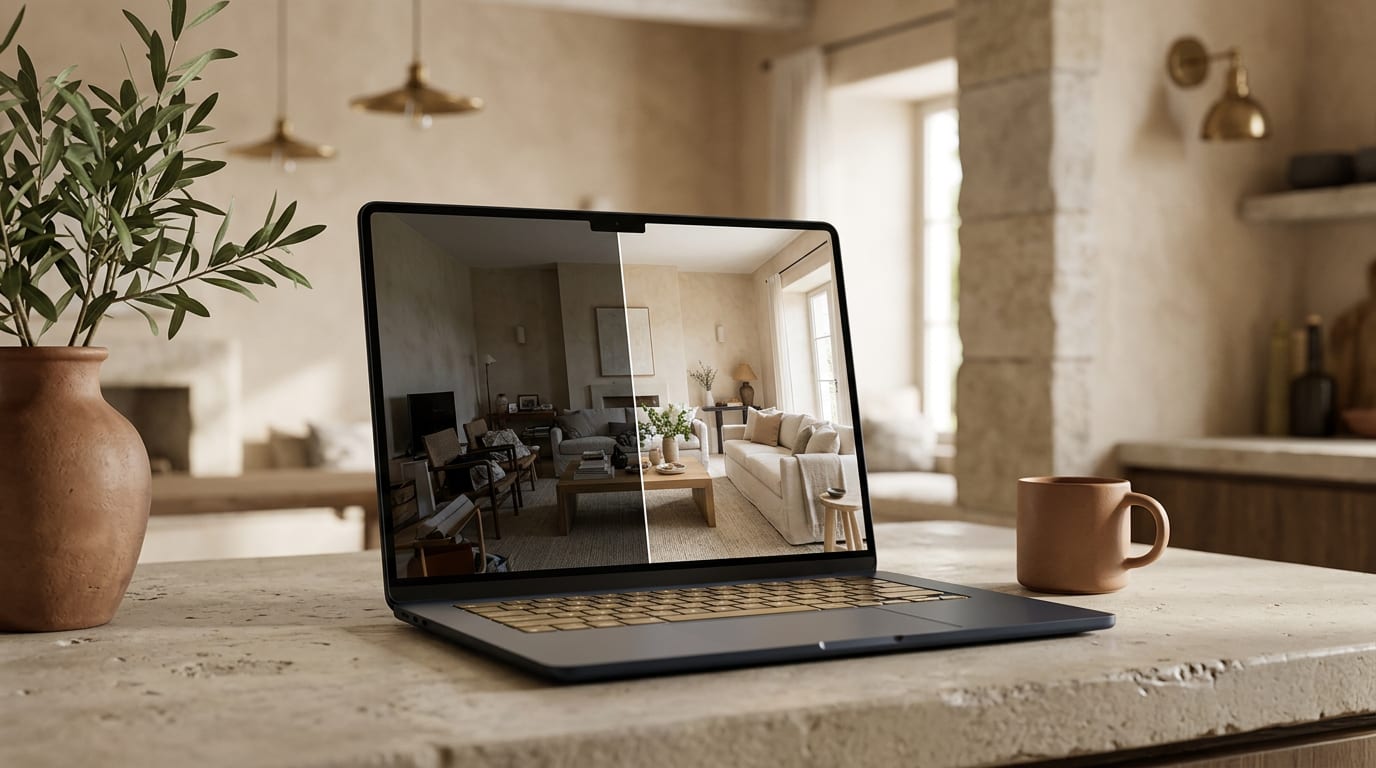
Dark, underexposed photos make your listings look unprofessional and get ignored on property portals. AI real estate photo enhancement solves this in seconds, transforming dull images into bright, high-quality assets that attract buyer clicks and justify your asking price.
Why Your Listing Photos Look Dark and Dull
Even with a decent camera, several factors can compromise your listing photos, leaving them looking amateurish. The most common culprits are poor lighting conditions that even professional equipment can struggle with.
- Bad Weather: An overcast, grey day is the number one cause of flat, unappealing exterior shots. The lack of natural sunlight washes out colors and creates a gloomy atmosphere.
- Poor Interior Lighting: Many rooms lack sufficient ambient light, especially on cloudy days. This forces your camera to use a slow shutter speed, risking blur, or a high ISO, which creates digital noise and a grainy look.
- Mixed Lighting: A room lit by both a window and warm indoor bulbs can confuse a camera's white balance, resulting in unnatural yellow or blue color casts.
- Smartphone Limitations: While convenient, phone cameras have smaller sensors that struggle in low-light situations, often producing muddy, underexposed images.
These issues directly lead to fewer clicks, less interest, and a lower perceived value for the property.
How to Fix Dark Real Estate Photos with AI
Instead of paying for an expensive reshoot or spending hours in complex software, you can use an AI photo editor for real estate to correct these issues instantly. The process is designed for speed and simplicity.
Step 1: Upload Your Problem Photo
Start by uploading your original, dark image directly from your computer or phone. This could be an exterior shot with a grey sky or an interior photo that looks underexposed and yellow.
Step 2: Choose an AI Enhancement Model
AI platforms like GetRestage offer specialized models trained on millions of real estate images. You are not just sliding a brightness toggle; the AI understands context.
- For Interiors: Select a model designed to balance light, correct white balance, and sharpen details. It intelligently brightens shadows without blowing out highlights from windows.
- For Exteriors: Choose a model with virtual sky replacement. The AI will automatically detect and replace a dull, overcast sky with a perfect blue one, instantly boosting curb appeal.
Step 3: Generate and Download
With one click, the AI processes the image. In under a minute, you receive a perfectly lit, color-corrected photo with crisp details, ready for your property portal. The difference is immediate and dramatic.
Manual Editing vs. AI Enhancement: A Comparison
For agents managing multiple listings, the efficiency of AI is a clear winner over traditional, manual photo editing workflows.
| Feature | Manual Editing (Lightroom/Photoshop) | AI Enhancement (GetRestage) |
|---|---|---|
| Speed | 5-20 minutes per photo | ~30-60 seconds per photo |
| Cost | Software subscription + hours of labor | Credit-based plans, ~€0.20–€0.75 per image |
| Skill Required | High; requires training and expertise | None; fully automated one-click process |
| Consistency | Varies by editor and photo | Perfectly consistent results across all images |
| Sky Replacement | Complex manual masking required | Automatic, one-click feature |
Improve Your Listing Photo Quality Today
Stop letting poor photos hold back your listings. An AI-powered workflow is the standard for top-performing agents who need professional results without the cost or delay of manual editing. With a tool like GetRestage, you can process an entire listing's worth of photos in the time it would take to manually edit just one.
Ready to see the difference? Sign up and enhance your first photos for free.
Frequently Asked Questions
What is AI real estate photo enhancement for listings?
AI real estate photo enhancement uses artificial intelligence to automatically analyze and improve property photos. It corrects issues like poor lighting, color imbalance, and sharpness, and can perform complex tasks like virtual sky replacement—all with a single click and no manual editing skills required.
Can AI fix very dark or blurry real estate photos?
AI is extremely effective at fixing dark, underexposed photos by recovering details from shadows and balancing the overall light. However, it cannot fix a photo that is fundamentally out of focus or blurry from camera shake. For best results, start with a sharp, in-focus image, even if it's dark.
How much does an AI photo editor for real estate cost?
Compared to hiring a human editor (€15–€40+ per photo), AI is significantly more affordable. Platforms like GetRestage use a credit-based model. With plans starting at €12 for 50 credits, the effective cost for a high-quality enhanced image is typically between €0.20 and €0.75, making it accessible for any budget.
Next Steps
Don't schedule an expensive reshoot or waste another afternoon struggling with editing software. The solution to dark, dull, and unappealing listing photos is AI enhancement. It's faster, more consistent, and more cost-effective than any other method.
Transform your entire portfolio of listing photos from liabilities into assets that drive clicks and inquiries. Explore GetRestage's plans and start producing portal-perfect images today.
Next step
Stage your next listing with Restage.