Fix Listing Photos with an AI Photo Enhancer
Your dark, blurry real estate photos are costing you clicks. Use an AI real estate photo enhancer to instantly fix exposure, sharpness, and color for
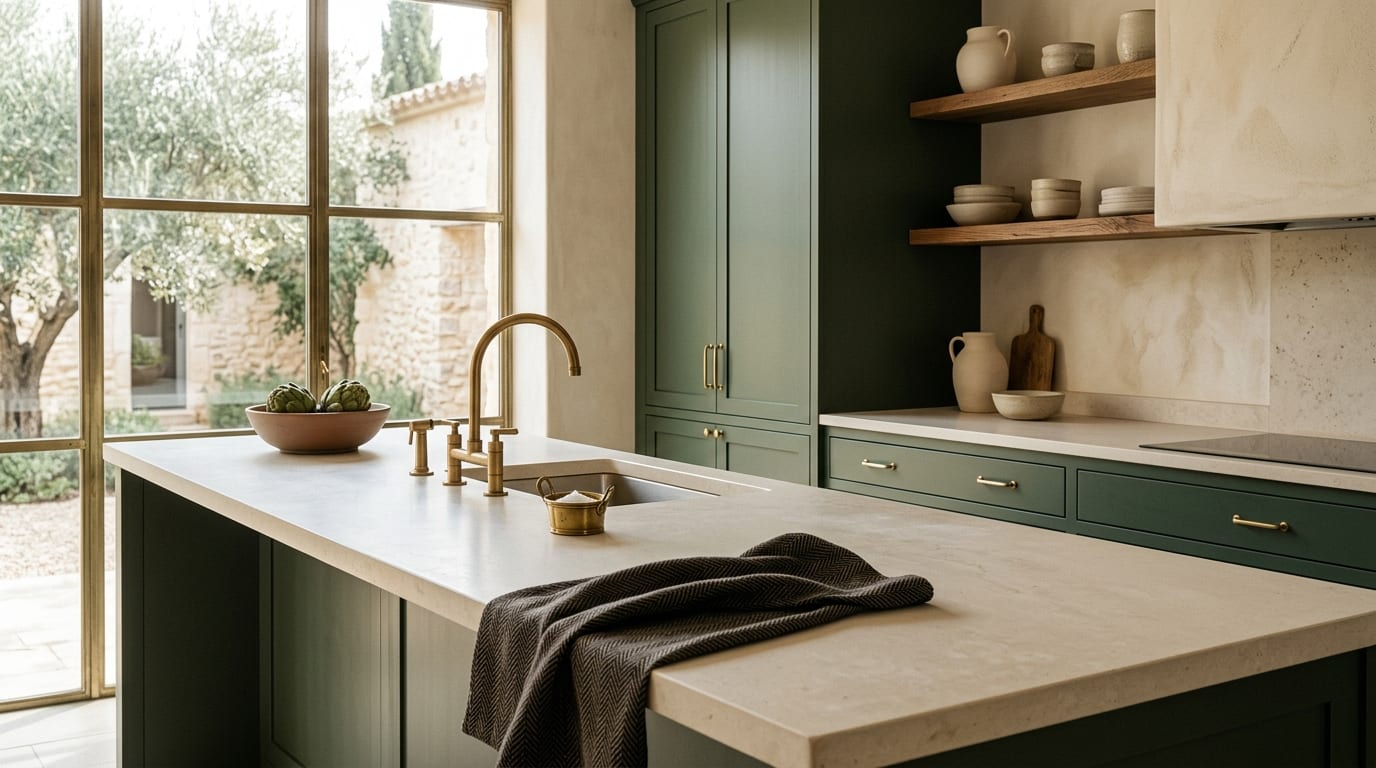
Your property is sitting on the market, and the culprit might be your photos. Dark, blurry smartphone images fail to stop the scroll on property portals, costing you views and inquiries. An AI real estate photo enhancer fixes these issues in seconds, turning amateur shots into professional-quality images that attract buyers.
Why Your Smartphone Photos Fail on Property Portals
Smartphone cameras are powerful, but they struggle with the unique challenges of interior photography. Without professional lighting and editing, your DIY photos create a poor first impression that directly impacts your bottom line. The most common issues are:
- Poor Dynamic Range: Interiors often have bright windows and dark corners. A standard phone camera either exposes for the window (making the room a silhouette) or for the room (making the window a blown-out white square). This hides key details of the space.
- Color Inaccuracy: Artificial indoor lighting casts a yellow or orange tint on walls and furniture. This makes a space feel dated and unappealing, misrepresenting the property's true colors.
- Lack of Sharpness: Minor handshake blur, low light, and digital compression can make photos look soft and unprofessional. Buyers equate blurry photos with a low-quality listing, reducing their trust and interest.
These problems collectively signal to potential buyers that the listing is not professionally managed, leading to fewer clicks, lower perceived value, and more time on the market.
How to Improve Real Estate Photos with AI: 3 Steps
Instead of paying for a reshoot or spending hours in complex editing software, you can use an AI photo editor for property listings to get professional results instantly. The process is designed for speed and simplicity.
Step 1: Upload Your Original Photo
Start by selecting the photo you took with your smartphone or camera. Don't worry if it's dark, slightly off-color, or lacks punch. The AI is trained to identify and correct these specific flaws. Simply drag and drop the image file into the platform.
Step 2: Apply the AI Enhancement with One Click
This is where the automation happens. With a tool like GetRestage, you select an enhancement level (e.g., 'Listing' quality). The AI instantly analyzes the image and performs multiple adjustments simultaneously:
- Exposure & Contrast Correction: It brightens dark areas while recovering details from bright windows.
- Color Balancing: It neutralizes unnatural color casts, ensuring whites are white and colors are true-to-life.
- Sharpening & Detail Boost: It intelligently sharpens edges and enhances textures for a crisp, clear finish.
Step 3: Download and Publish Your Enhanced Image
Within seconds, your enhanced photo is ready. The result is a bright, sharp, and color-accurate image that looks like it was edited by a professional. Download the high-resolution file and upload it directly to your property portal listings to immediately improve their visual appeal and click-through rate.
Photo Enhancement Options Compared
For agents needing to improve real estate photos, the choice comes down to cost, time, and quality. An AI real estate photo enhancer offers a new balance that outperforms traditional methods for most day-to-day listings.
| Method | Cost | Time Investment | Skill Required | Best For |
|---|---|---|---|---|
| DIY Manual Editing | Software subscription | 15-30 mins per photo | High (Photoshop, etc.) | Photographers, marketing teams |
| Hire a Pro Editor | €15 - €40+ per photo | 24-48 hour turnaround | None | High-end luxury listings |
| AI Photo Enhancer (GetRestage) | ~€0.20 - €0.75 per photo | < 30 seconds per photo | None | Agents needing speed & quality at scale |
Frequently Asked Questions
What is an AI real estate photo enhancer?
An AI real estate photo enhancer is software that uses artificial intelligence to automatically analyze and correct common issues in property photos. It adjusts lighting, color, and sharpness with one click, eliminating the need for manual editing and delivering professional-grade results in seconds.
Can AI fix very dark or blurry listing photos?
AI can dramatically improve underexposed and slightly blurry photos by recovering details from shadows and intelligently sharpening edges. While it cannot fix photos that are completely out of focus, the improvement on typical smartphone images is significant enough for high-performance portal listings.
Is using an AI photo editor for property listings worth it?
Absolutely. For a minimal cost and virtually no time investment, you can significantly increase the click-through rate and perceived value of your listings. It's a highly leveraged activity that directly impacts how quickly a property sells and for what price, making it a crucial tool for any modern agent.
Next Steps: Instantly Upgrade Your Listings
Don't let poor-quality photos sabotage your sales efforts. The difference between a listing that gets clicked and one that gets ignored is often the quality of its hero image. Instead of budgeting for expensive photographers or wasting hours on editing software, you can solve the problem in seconds.
Using an AI real estate photo enhancer like GetRestage automates the entire process, ensuring every photo you upload is bright, sharp, and ready to attract buyers. Plans start at just €12/month. Sign up for GetRestage and transform your first photos for free.
Next step
Stage your next listing with Restage.