AI Staging Marketing: The Before & After Playbook
Learn how to market real estate listings with before and after AI staging photos. Turn virtual staging into social media content and generate seller leads.
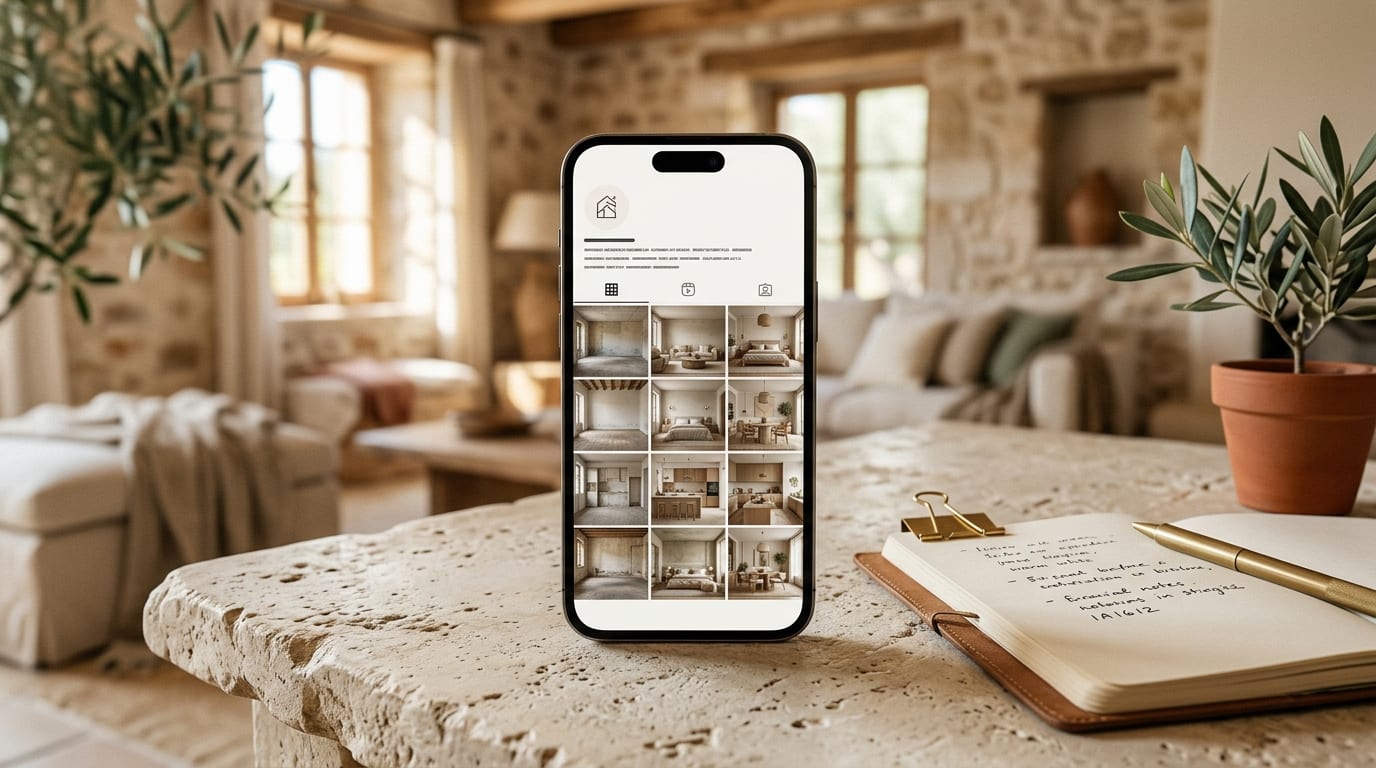
You're already using AI virtual staging, but are you getting more than just a better-looking listing? If your before-and-after images are deleted after a property sells, you're leaving leads and brand authority on the table. This playbook turns those simple assets into a powerful marketing engine that consistently attracts new seller clients.
Why Your 'Before' Photos Are a Marketing Goldmine
The power of a before-and-after comparison isn't just visual appeal; it's a narrative. The empty, unfurnished 'before' photo presents a problem: a space with unrealized potential. The AI-staged 'after' photo provides the immediate, compelling solution.
For a potential seller, this visual story does three things:
- Demonstrates Your Value: It proves you have the vision and tools to maximize a property's appeal.
- Builds Trust: It shows a tangible result, moving beyond abstract promises.
- Creates Desire: It makes sellers want that same transformative result for their own home.
By not using these assets, you are discarding your best case studies.
The 5-Step Playbook for AI Staging Content
Turn your AI-staged photos from a one-time listing tool into a perpetual lead-generation asset. Here’s the step-by-step process.
Step 1: Create Your Marketing Assets with GetRestage
Your content strategy starts with high-quality, consistent assets. Using a tool designed for speed and scale is critical. With GetRestage, you can upload an empty room photo, select from dozens of professional design styles, and generate a photorealistic staged image in under 30 seconds.
A Listing-quality image costs just 2 credits. On the popular Studio plan (€29/mo for 160 credits), that’s an effective cost of about €0.36 per image, making it feasible to create dozens of before-and-after pairs for your entire content calendar, not just one listing.
Step 2: Format for Maximum Impact
Different platforms require different formats. Repackage your core before-and-after images to fit the channel:
- Side-by-Side Image: A single static image with 'Before' on the left and 'After' on the right. Perfect for quick-glance posts and email newsletters.
- Carousel/Slider: Two full-size images in a sequence. Ideal for Instagram and Facebook, encouraging users to swipe and engage.
- Short Video/Reel: A 3-5 second video that transitions from the before to the after shot. Use a trending sound to maximize reach on Instagram Reels and TikTok.
- GIF: A simple, looping animation of the transition. Excellent for capturing attention in email marketing.
Step 3: Deploy Across Your Social Media Channels
Post with a purpose. Each post should tell a micro-story and have a clear call-to-action.
- Instagram Carousel:
- Image 1: The 'before' photo. Caption hook: "How do you sell a vision, not just four walls? Swipe to see."
- Image 2: The 'after' photo. Caption: "We used AI staging to show buyers the true potential of this living room, leading to 40% more inquiries in the first week. Thinking of selling? Let's unlock your home's value. #VirtualStaging #RealEstateMarketing"
- TikTok/Instagram Reel:
- Visual: Start with the 'before' image for 1-2 seconds, then use a snappy transition to the 'after'.
- Text Overlay: "From vacant to vibrant in 20 seconds."
- Caption: "This is how we make sure our listings stand out. #AIStaging #RealEstateAgent #PropertyMarketing"
- LinkedIn Post:
- Angle: Focus on the business outcome. "Staging is an investment in a faster, more profitable sale. This digital transformation, executed for less than the cost of a coffee, helped secure a sale 15% above the initial asking price. Technology is a powerful lever in today's market. #PropTech #RealEstateStrategy #LeadGeneration"
Step 4: Build a Case Study Portfolio on Your Website
Your website is your digital storefront. Create a dedicated page called "Our Transformations" or "Seller Success Stories." For each featured property, showcase the best before-and-after images. This page becomes a powerful conversion tool for prospective sellers who are researching agents online. It provides undeniable proof of your marketing prowess.
Step 5: Nurture Leads with Email Marketing
Incorporate your before-and-after content into your email newsletter. Create a recurring segment like "Transformation of the Week." It's visually engaging content that keeps your audience warm and constantly reminds them of the value you bring to the table. The CTA can be softer, such as "Curious what your home's 'after' could look like? Get a free valuation today."
Real Estate Content Idea Matrix
Use this table to plan your before-and-after content strategy.
| Platform | Content Format | Call to Action (CTA) |
|---|---|---|
| Carousel Post | "DM me for a free staging preview of your home" | |
| TikTok/Reels | Short Video | "Link in bio for my free seller's guide" |
| Photo Album / Post | "Tag a friend who would love this transformation!" | |
| Email Newsletter | GIF / Static Image | "Reply to this email to learn your home's value" |
| Website/Blog | Case Study Page | "Request a Complimentary Property Consultation" |
Frequently Asked Questions
How much does AI virtual staging cost for marketing content?
Traditional virtual staging agencies can charge €15-€40 per photo, making it too expensive for broad marketing use. AI platforms like GetRestage operate on a credit model. Plans start at €12 for 50 credits, with Listing-quality images costing 2 credits. This brings the effective cost down to just €0.20-€0.75 per image, making it affordable to create content at scale.
Can I use AI staging for a home I haven't listed yet?
Absolutely. Creating a speculative 'after' photo of a key room is a powerful tool for a listing presentation. It shows a potential seller that you are proactive and have a clear marketing vision for their property, helping you win the instruction over competitors.
Do I need to disclose that photos are virtually staged?
Yes, transparency is crucial for building trust and is often required by property portals and industry regulations. A simple, unobtrusive watermark or a line in the description like "Virtually staged for illustrative purposes" is standard practice and protects your credibility.
Next Steps
Your AI-staged photos are more than a listing enhancement; they are a versatile marketing asset that tells a story of value and transformation. By systematically repurposing them across your social media, website, and email channels, you create a powerful, consistent engine for generating seller leads.
Stop letting your best marketing content expire. Create unlimited before-and-after visuals for your entire strategy. Sign up for GetRestage and start building your portfolio of success stories today.
Next step
Stage your next listing with Restage.