Optimize Idealista Photos with AI: A 2026 Guide
Struggling on Idealista? Learn how to optimize real estate photos with AI virtual staging to get more clicks, leads, and viewings. A step-by-step guide.
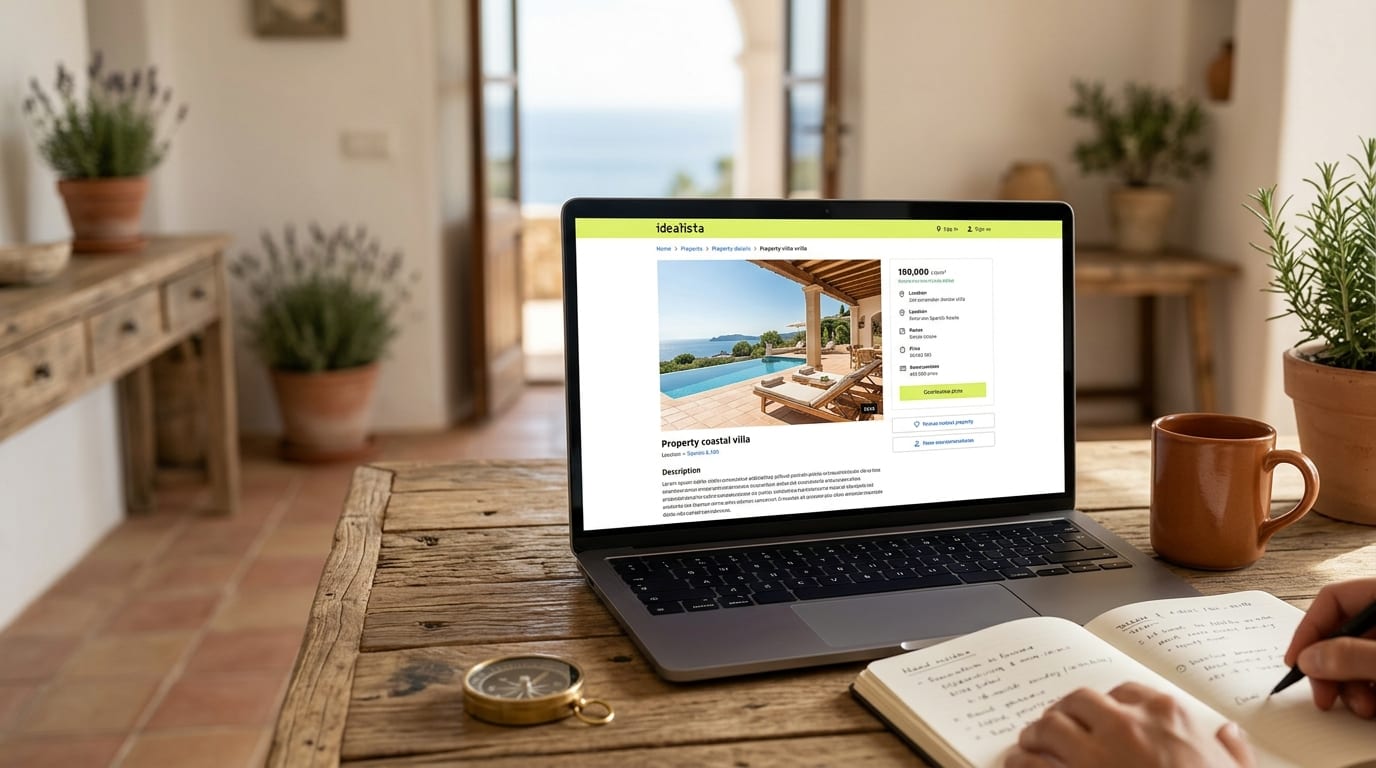
Your Idealista listings are getting lost in a sea of mediocre photos. The fix is using AI to stage and enhance your images, turning passive scrollers into qualified leads in minutes. This guide provides the exact steps to make your properties stand out on Spain and Portugal's most competitive portals.
Why Your Idealista Photos Aren't Converting
Idealista's search results page is a grid where your primary photo fights for attention against dozens of others. If that first image shows an empty, poorly-lit, or cluttered room, potential buyers scroll right past it. Empty properties feel cold and lack aspirational appeal, making it impossible for buyers to visualize themselves living there. This directly translates to fewer clicks, fewer inquiries, and wasted marketing spend.
To win on Idealista, Fotocasa, or any major portal, your hero image must be visually compelling, professionally styled, and emotionally resonant. Until recently, achieving this meant expensive physical staging or slow, costly virtual staging services. AI changes the entire equation.
How to Optimize Real Estate Photos for Idealista using AI
Follow this three-step process to transform your standard property photos into high-performing assets that drive inquiries.
Step 1: Select Your Highest-Impact Photos
Before using any tool, choose the right source images. Your goal is to stage the photos that have the most influence on a buyer's decision. Prioritize them in this order:
- The Living Room: This is often the best choice for your primary "hero" image.
- The Master Bedroom: Show a serene, well-furnished space.
- The Kitchen: If it's empty or dated, staging can highlight its potential.
- Outdoor Space: A staged terrace or patio can be a major selling point.
Ensure your photos are well-lit, in focus, and taken from a good angle (usually from a corner to show the most space). Declutter the room as much as possible before taking the shot.
Step 2: Apply AI Virtual Staging with GetRestage
This is where you create the visual appeal. Traditional virtual staging takes days; AI does it in seconds.
- Upload Your Photo: Sign up for a GetRestage account and upload your selected photo of an empty or cluttered room.
- Choose a Style: Select a design style that matches your target buyer. For the Spanish and Portuguese markets, styles like "Mediterranean," "Moderno," or "Escandinavo" work exceptionally well.
- Generate: Click to generate the image. The AI will furnish the room, correct lighting, and produce a photorealistic, professionally staged result. If you need to remove existing furniture first, use the AI object removal tool.
With GetRestage, you can generate multiple design options for a single room instantly, allowing you to test which style resonates most. The process is fast, affordable, and requires no design skill.
Step 3: Enhance and Upload to Idealista
Once you have your AI-staged image, it's ready for the portal.
- Select the Best Image: Choose the staged photo with the most visual impact.
- Set as Primary Photo: In your Idealista listing manager, upload the new AI-staged image and set it as the very first photo. This is the single most important action you can take to increase your listing's click-through rate from the search results page.
- Add a Note (Optional): For full transparency, you can add a small watermark like "Decoración Virtual" or mention in the property description that some images are virtually staged to show potential.
Staging Cost & Speed Comparison
Understanding your options highlights the efficiency of an AI-powered workflow. Here’s how the methods stack up for staging a typical 3-bedroom property.
| Feature | Physical Staging | Human Virtual Staging | GetRestage (AI) |
|---|---|---|---|
| Cost | €500 - €3,000+ | €15 - €40+ per photo | Plans from €12/mo |
| Effective Cost/Image | N/A | €15 - €40+ | ~€0.20 - €0.75 |
| Turnaround Time | 1-2 weeks | 24-48 hours | ~30 seconds |
| Revisions | Costly & slow | Slow, often extra cost | Instant & included |
| Scalability | Very low | Moderate | Extremely high |
Frequently Asked Questions
Is AI virtual staging allowed on Idealista and Fotocasa?
Yes, both Idealista and Fotocasa permit the use of virtually staged images. Best practice is to ensure transparency by either adding a discreet watermark (e.g., "Imagen virtualmente amueblada") or including a sentence in the listing description to inform potential buyers that the furniture is a digital representation.
What kind of photos work best for AI staging?
For the best results, use high-resolution, well-lit photos of empty or mostly empty rooms. Photos taken from a corner of the room often work best as they provide a clear sense of the space's dimensions. Avoid blurry, dark, or low-resolution images, as the AI's output quality depends on the input.
How many photos in a listing should I stage with AI?
Focus on return on investment. You don't need to stage every photo. Prioritize the first 3-5 images in your gallery, especially the primary hero image that appears in search results. The living room, master bedroom, kitchen, and a key outdoor space are the most critical areas to stage for maximum buyer impact.
Next Steps
Stop letting your competitors get all the clicks on Idealista. By integrating AI virtual staging into your workflow, you can create stunning, high-converting property photos in minutes, not days, and for a fraction of the traditional cost. This is the most effective way to elevate your listings, attract serious buyers, and close more deals.
Ready to transform your listings? Sign up for GetRestage and start staging your properties today.
Next step
Stage your next listing with Restage.