Idealista Photo Workflow: A 2026 Checklist
Master your real estate photography workflow for Idealista. This checklist covers capture, AI editing, and virtual staging to get more leads on Spanish
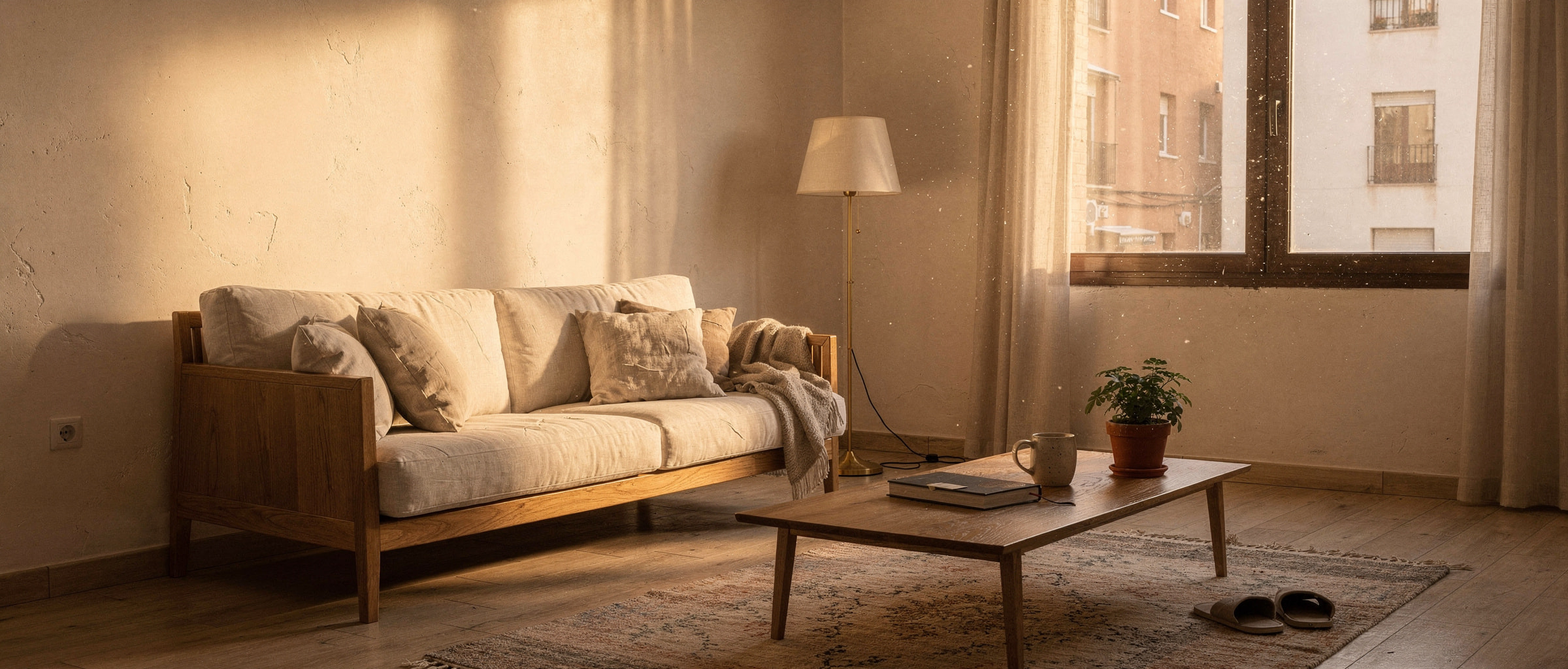
Your Idealista listing is losing clicks because of poor photos. This workflow fixes that, using a proven checklist from capture to AI staging to generate more qualified leads and close deals faster. Stop blending in and start standing out on Spain's most critical property portal.
Why Your Idealista Photos Aren't Generating Leads
On a crowded portal like Idealista, buyers scroll through hundreds of listings. Your photography is the only thing that can stop that scroll. Low-quality, dark, or empty photos signal a low-value property, causing potential buyers to ignore your listing entirely. Idealista's algorithm also favors listings with high engagement—clicks, saves, and inquiries—which all start with compelling imagery. A poor visual presentation directly translates to fewer leads and longer time on the market.
The High-Conversion Idealista Photography Workflow
Follow this four-phase process to create listings that command attention and drive inquiries.
Phase 1: Pre-Shoot Preparation (The Foundation)
- Declutter Mercilessly: Remove all personal items, excess furniture, and clutter. Buyers need to envision themselves in the space, not the current owner's life. This is non-negotiable.
- Deep Clean: Every surface must be spotless, from windows to floors. Dust and grime are highly visible in high-resolution photos.
- Optimize Lighting: Open all blinds and curtains. Schedule the shoot for a time with maximum natural light, typically mid-morning or early afternoon. Turn on all interior lights to create a warm, inviting glow.
- Equipment Check: Use a DSLR or mirrorless camera with a wide-angle lens (16-24mm). A tripod is essential to ensure sharp, level shots.
Phase 2: On-Site Capture (The Raw Material)
- Shoot from Corners: Position your tripod in the corner of each room, at chest height (around 1.5 meters), to capture the maximum amount of space and create a sense of scale.
- Bracket Your Shots (HDR): Take three to five photos of the same scene at different exposure levels (one dark, one normal, one bright). This allows you to merge them later into a single, perfectly lit High Dynamic Range (HDR) image, crucial for rooms with bright windows.
- Comprehensive Shot List: Capture at least 25-30 photos. This should include wide shots of every room, two angles of primary rooms (living room, master bedroom, kitchen), detail shots of unique features, and multiple exterior and amenity photos.
Phase 3: AI-Powered Editing & Staging (The Conversion Engine)
This is where you transform good photos into lead-generating assets. Modern AI tools make this process fast and affordable.
- Step 1: AI Image Enhancement: Use an AI photo editor to automatically correct color balance, lens distortion, and vertical lines. A one-click sky replacement for overcast exterior shots can dramatically increase curb appeal.
- Step 2: AI Object Removal: If decluttering wasn't perfect, use an AI object removal tool to erase stray items, cables, or distracting elements from the photo. This creates a clean canvas for the next step.
- Step 3: AI Virtual Staging: An empty property feels cold and uninviting. AI virtual staging fills the space with stylish, modern furniture in minutes. This step is critical for helping buyers connect emotionally with the home. Platforms like GetRestage allow you to stage an entire listing for a fraction of the cost of traditional methods, turning empty rooms into compelling, clickable assets.
Phase 4: Final Selection & Upload to Idealista
- Select Your Hero Image: Your first photo is the most important. Choose a bright, wide, and beautifully staged shot of the living room or a stunning exterior view. This is your digital curb appeal.
- Sequence Logically: Arrange the photos to create a virtual tour: exterior, entryway, living room, kitchen, dining, bedrooms, bathrooms, and finally, amenities.
- Optimize & Upload: Ensure your photos are high-resolution JPEGs, ideally under 5MB to avoid slow load times. Upload at least 25 photos to maximize your listing's visibility score on Idealista.
Staging Options for Idealista: Cost vs. ROI
Choosing how to present your property is a critical business decision. Here’s how the options compare for a typical Spanish listing.
| Staging Method | Average Cost (per listing) | Turnaround Time | Idealista Impact |
|---|---|---|---|
| Physical Staging | €1,500 - €5,000+ | 1-2 Weeks | High. Looks great but is extremely expensive and slow. |
| Traditional Virtual Staging | €150 - €400 (€15-€40/photo) | 2-4 Days | Medium. Effective, but slow turnaround and high cost. |
| GetRestage AI Staging | €5 - €20 | < 30 Seconds | High. Instant, affordable, and highly realistic. |
Note: GetRestage operates on a credit-based system. With a plan like the popular Studio (€29/mo for 160 credits), a high-quality staged image costs just 2 credits, making the effective price per photo approximately €0.36.
Frequently Asked Questions
How many photos should I upload to Idealista?
Aim for a minimum of 25 high-quality photos. Listings with more photos receive higher engagement and are favored by Idealista's search algorithm. This shows buyers you are transparent and gives them a complete view of the property, building trust before they even inquire.
What is the best photo for the first position on Idealista?
A wide-angle, brightly lit, and virtually staged photo of the main living area is almost always the best choice. It showcases the heart of the home, helps buyers visualize their life there, and has the highest click-through rate. A stunning exterior shot is the second-best option.
Can AI virtual staging really help get more leads on Idealista?
Absolutely. Staged homes sell faster and for a higher price because they create an emotional connection. AI staging makes this powerful tool accessible for every listing. It increases clicks, encourages longer viewing times, and results in more qualified inquiries from buyers who can already see the property's potential.
How much does AI staging for a Spanish property cost?
With modern platforms, it's incredibly affordable. GetRestage uses a credit system where staging an image can cost as little as €0.20-€0.75. Plans start at €12 per month, making it feasible to professionally stage every single property you list on Idealista without breaking your marketing budget.
Next Steps
Stop uploading raw, unoptimized photos and hoping for the best. By implementing a structured real estate photography workflow—from preparation and capture to AI enhancement and staging—you are not just listing a property; you are launching a targeted marketing campaign on Idealista. This process directly translates into more views, more leads, and faster sales.
Ready to elevate your listings? Sign up for GetRestage for free and use AI to stage your photos in seconds. It’s the fastest way to improve your Idealista performance.
Next step
Stage your next listing with Restage.