Commercial Virtual Staging: The Ultimate Checklist
Lease vacant units faster with virtual staging for commercial real estate. Our guide shows brokers how to stage empty offices and retail spaces in minutes.
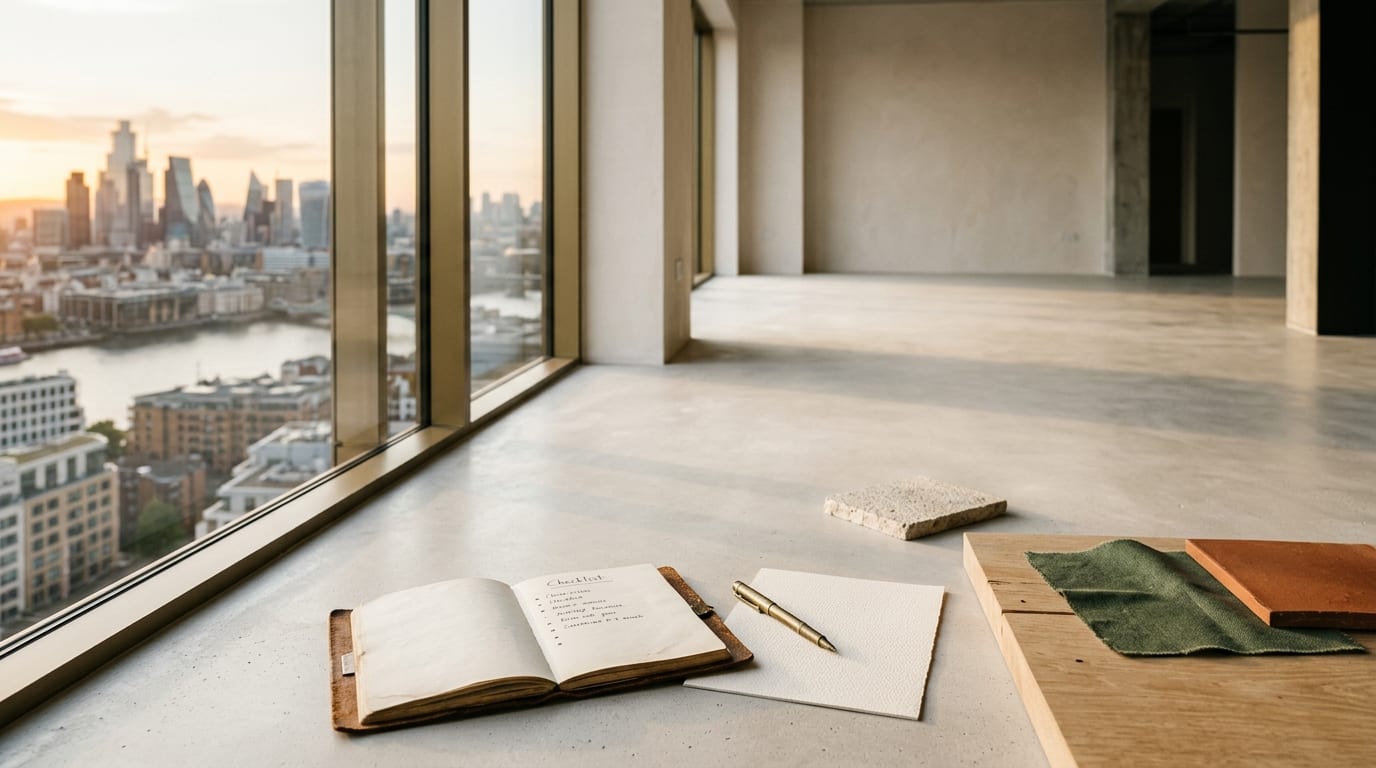
An empty office or retail space kills imagination and stalls lease agreements. AI-powered virtual staging for commercial real estate transforms these cold, vacant shells into compelling, functional environments in minutes, helping tenants sign faster.
Why Traditional Listings Fail for Commercial Property
Vacant commercial properties are notoriously difficult to market. Potential tenants struggle to visualize how an empty floor plan can accommodate their team, workflow, or brand identity. This uncertainty leads to hesitation, prolonged negotiations, and ultimately, lost revenue from extended vacancies. Commercial property virtual staging bridges this critical gap between a vacant space and a signed lease by providing immediate, tangible context.
Unlike residential properties where buyers can envision a sofa or bed, commercial tenants need to see desking layouts, meeting room capacity, and customer flow. Showing them a blank canvas puts the burden of imagination on them—a burden that slows down your entire leasing cycle.
The AI Staging Playbook for Commercial Brokers
Follow this step-by-step process to effectively stage any empty office, retail, or industrial space and attract qualified tenants.
Step 1: Capture High-Quality Base Photos
Your AI-staged images are only as good as your source photos. Before you begin, ensure the space is clean and completely empty. Use a wide-angle lens to capture the full scope of the room, shoot in good, even lighting, and take photos from multiple angles to offer various perspectives.
Step 2: Define the Target Tenant and Use Case
Who is your ideal lessee? A fast-growing tech startup? A corporate law firm? A boutique clothing store? The staging style must align with the target tenant's needs and brand ethos. An open-plan layout with collaborative zones works for a tech company, while a design with private offices and a formal boardroom is better suited for a financial consultancy.
Step 3: Select Your AI Staging Tool and Style
Modern AI platforms provide specialized styles for commercial use. GetRestage offers a range of professional designs like "Modern Office," "Industrial Office," and minimalist styles perfect for retail mockups. The goal is to choose a style that is both aspirational and realistic for the space, making the tenant's decision process frictionless.
Step 4: Generate and Refine Your Staged Images
Using a tool like GetRestage, the process is simple:
- Upload your high-quality photo of the empty space.
- Select a commercial style (e.g., "Modern Office").
- Generate the image. A high-quality render typically costs just 2 credits.
Within seconds, the AI furnishes the space with photorealistic desks, chairs, lighting, and decor, instantly demonstrating the property's potential.
Step 5: Deploy Across All Marketing Channels
Replace the cold, empty photos in your online listings, brochures, and email campaigns with the new, professionally staged visuals. Use them as the primary hero images to capture immediate attention. Create before-and-after sliders on your website or social media to showcase the dramatic transformation.
Staging Methods Compared: AI vs. Human vs. Physical
Choosing the right staging method directly impacts your budget, timeline, and ability to scale. AI-powered staging offers a clear advantage for commercial brokers focused on efficiency and ROI.
| Feature | AI Virtual Staging (GetRestage) | Human Virtual Staging Agency | Physical Staging |
|---|---|---|---|
| Cost per Image/Project | ~€0.20 - €0.75 per image | €15 - €40+ per image | €2,000 - €10,000+ per project |
| Turnaround Time | < 60 seconds | 24 - 72 hours | 1 - 2 weeks |
| Scalability | Virtually unlimited; stage entire portfolios in an afternoon | Limited by designer bandwidth | Extremely limited; one property at a time |
| Revisions | Instant; generate new options with one click | Slow and often costs extra | Major logistical effort and expense |
Frequently Asked Questions
What is virtual staging for commercial real estate?
Virtual staging for commercial real estate is the process of using software to add digital furniture, fixtures, and decor to photos of empty commercial properties. This helps prospective tenants visualize how they can use the space for their office, retail store, or other business operations, making it easier to lease.
How does AI office staging work?
AI office staging uses artificial intelligence to analyze a photo of an empty office and automatically furnish it with appropriate items like desks, chairs, and conference tables. Users simply upload an image, select a style (e.g., "Modern Office"), and the AI generates a photorealistic, fully furnished image in seconds.
Can you virtually stage a retail space?
Absolutely. Virtual staging for retail space is highly effective. You can add shelving, product displays, checkout counters, and even sample branding to show potential tenants how the layout can support customer flow and merchandising. This is crucial for helping retailers envision their brand in your property.
How much does commercial virtual staging cost in 2026?
AI-powered virtual staging is the most cost-effective method by a large margin. Platforms like GetRestage operate on a credit system, making the effective cost per image around €0.20 to €0.75. In contrast, traditional human-powered virtual staging services typically charge €15-€40 per photo, while physical staging can cost thousands of euros.
Next Steps: Accelerate Your Leasing Cycle
Stop marketing empty, uninspiring commercial spaces that prolong vacancy periods. By leveraging AI virtual staging, you can present every property at its full potential, attract more qualified tenants, and close deals significantly faster.
Ready to transform your commercial listings? Sign up for GetRestage and stage your first property in under a minute.
Next step
Stage your next listing with Restage.