Virtual Staging Workflow for Real Estate Teams
Struggling with inconsistent listing photos? Implement a scalable virtual staging workflow for real estate teams to ensure brand consistency and sell
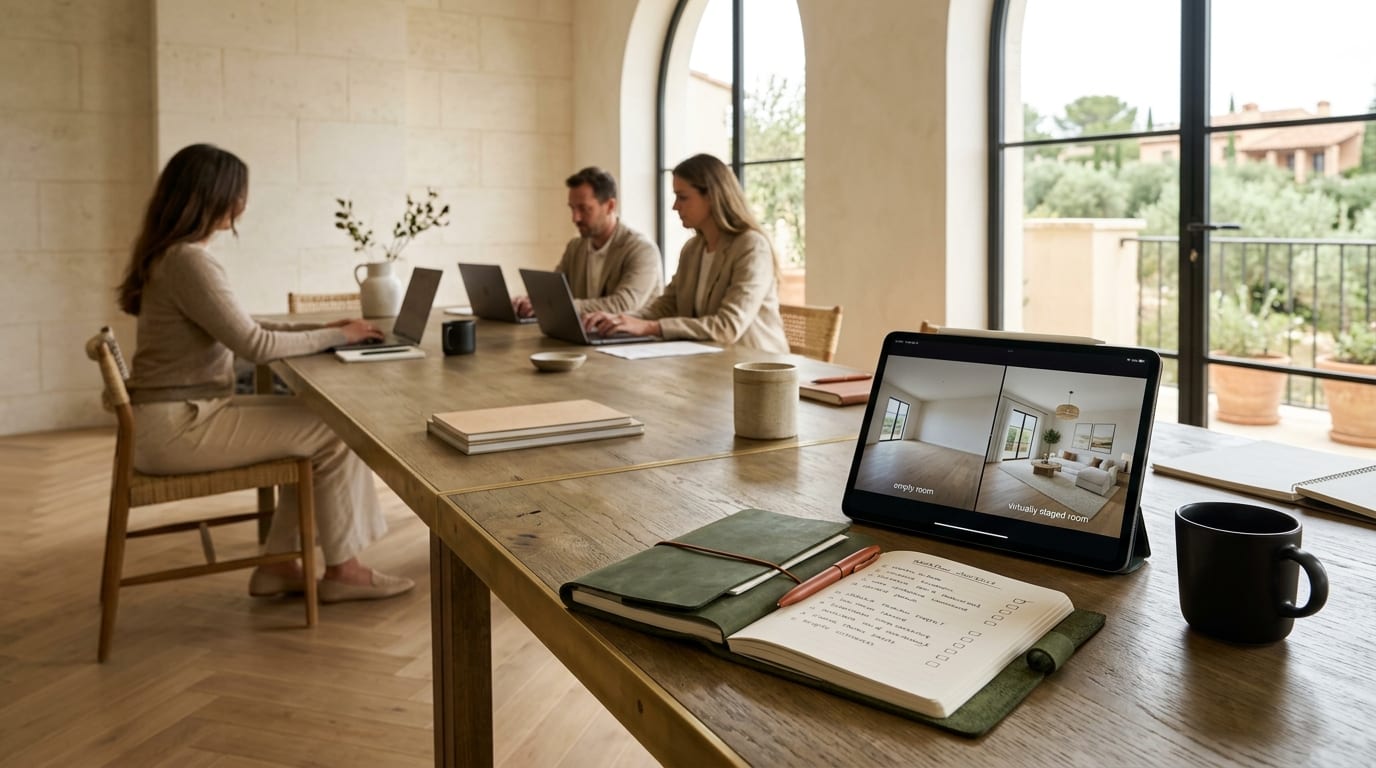
Inconsistent listing photos are costing your brokerage deals. When every agent uses a different photographer or staging solution, your brand identity fractures and properties linger on the market. The solution is a standardized, scalable virtual staging workflow that ensures every listing looks professional, consistent, and on-brand.
This playbook provides the framework to implement a centralized virtual staging process, eliminating quality issues and empowering your entire team to market properties more effectively.
Why Your Brokerage Needs a Standardized Workflow
An ad-hoc approach to property marketing creates significant business challenges. Without a central system, you face inconsistent quality, unpredictable costs from various vendors, and a diluted brand message. Potential buyers see a disjointed portfolio, which undermines the premium image your brokerage aims to project.
Establishing a unified virtual staging workflow for your real estate team solves this by:
- Enforcing Brand Consistency: Every listing reflects your brokerage's quality standards and aesthetic.
- Controlling Costs: Centralized billing and predictable, low per-image costs replace expensive, variable invoices from individual staging services.
- Increasing Efficiency: Agents save hours by using a fast, approved tool instead of sourcing their own solutions.
- Accelerating Sales: High-quality, consistently styled photos attract more buyers and lead to faster sales cycles.
The 4-Step Virtual Staging Workflow Playbook
Implement this framework to streamline your team's marketing efforts and elevate your brand's visual identity.
Step 1: Define Your Brand's Visual Standards
Consistency starts with a clear style guide. Your guide should be a simple one-page document outlining the approved aesthetic for all virtually staged properties. Don't overcomplicate it.
- Select 2-3 Core Styles: Choose furniture styles that match your market and brand (e.g., Scandinavian, Modern Farmhouse, Industrial).
- Define a Color Palette: Specify neutral base colors and acceptable accent colors to maintain a cohesive look.
- Outline Staging Density: Decide between minimalist or fully furnished looks. This prevents cluttered or sparse-looking rooms.
Step 2: Centralize Your Tools & Assets
To enforce standards, your team needs a single, approved platform. This is the cornerstone of scaling virtual staging for brokerages. A tool like GetRestage is built for this, offering team-based plans with shared credits and multiple user seats.
With the GetRestage Brokerage plan (€79/month for 500 credits and 10 seats), you can onboard your entire team under one account. This provides complete oversight and ensures every agent has access to the same high-quality AI, styles, and fast turnarounds, making it a key piece of your real estate team marketing automation.
Step 3: Establish Photography & Submission Guidelines
Great virtual staging requires great input photos. Create a simple checklist for your agents or their photographers to follow, ensuring high-quality source images.
- Shoot Empty Rooms: Remove all clutter, furniture, and personal items.
- Use Proper Lighting: Shoot during the day with all lights on and blinds open for bright, inviting photos.
- Maintain Eye-Level Height: Set the camera at a height of 1.5 meters (5 feet).
- Shoot from Corners: This captures the most space and provides the best perspective for staging.
- Submit High-Resolution JPEGs: Ensure files are clear and not overly compressed.
Step 4: Train, Deploy, and Measure ROI
Onboard your team with a brief training session demonstrating the workflow: how to follow the photo guidelines and use the centralized tool. Because modern AI platforms are intuitive, this rarely takes more than 30 minutes.
Track key metrics to measure success:
- Days on Market (DOM): Compare DOM before and after implementing the workflow.
- Online Listing Clicks/Views: Monitor engagement on property portals.
- Cost Per Listing: Calculate the savings compared to your previous methods.
Comparing Staging Workflow Options
A centralized workflow offers clear advantages over a decentralized, agent-led approach.
| Feature | Ad-Hoc Agent Approach | Centralized Workflow (with GetRestage) |
|---|---|---|
| Cost Control | Unpredictable. €15-€40+ per photo from various vendors. | Predictable. Plans from €12/mo. Effective cost ~€0.20-€0.75 per image. |
| Brand Consistency | Low. Varies by agent, vendor, and budget. | High. Enforced through a single platform and style guide. |
| Turnaround Time | Slow. 24-72 hours per photo from human agencies. | Fast. AI-powered results in minutes, 24/7. |
| Scalability | Difficult. Onboarding new agents is manual and costly. | Seamless. Add new team members to a central plan instantly. |
| Quality Control | Inconsistent. Dependent on the skill of each vendor. | Consistent. Standardized AI output ensures a reliable quality baseline for every listing. |
Frequently Asked Questions
How do you ensure consistent virtual staging quality across a large team?
A centralized workflow using a single tool like GetRestage is key. By creating a simple style guide and providing one approved platform, you eliminate variables and ensure every agent produces on-brand, high-quality images that meet your brokerage's real estate photography standards.
What's the best way to train agents on a new virtual staging workflow?
Keep it simple. Host a 30-minute kickoff meeting to review the photography guidelines and demonstrate the platform. An intuitive tool requires minimal training. Follow up with a one-page PDF summarizing the steps. The goal is adoption, not complex certification.
Can AI virtual staging match our brokerage's specific brand style?
Yes. Modern AI tools allow you to select from a range of popular interior design styles (e.g., Scandinavian, Modern, Industrial). Your style guide should direct agents to choose the 2-3 styles that align with your brand, ensuring consistent property branding across all listings.
How does a centralized workflow impact our marketing budget?
A centralized workflow provides significant cost savings and budget predictability. Instead of paying €15-€40 or more per photo for external services, you move to a credit-based system where high-quality images cost less than a euro, dramatically lowering your cost-per-listing.
Next Steps
Stop managing chaotic photo submissions and start building a powerful, consistent visual brand. A standardized virtual staging workflow empowers your agents, elevates your listings, and accelerates sales.
The GetRestage Brokerage plan is designed for this exact purpose, providing 10 seats and 500 credits to standardize your entire team's workflow from day one. Get started today and unify your brand's marketing.
Next step
Stage your next listing with Restage.