Virtually Change Wall Colors in Photos: A Guide
Dated wall colors killing your listings? Learn how to virtually change wall colors in real estate photos using AI. Instantly repaint rooms to attract more
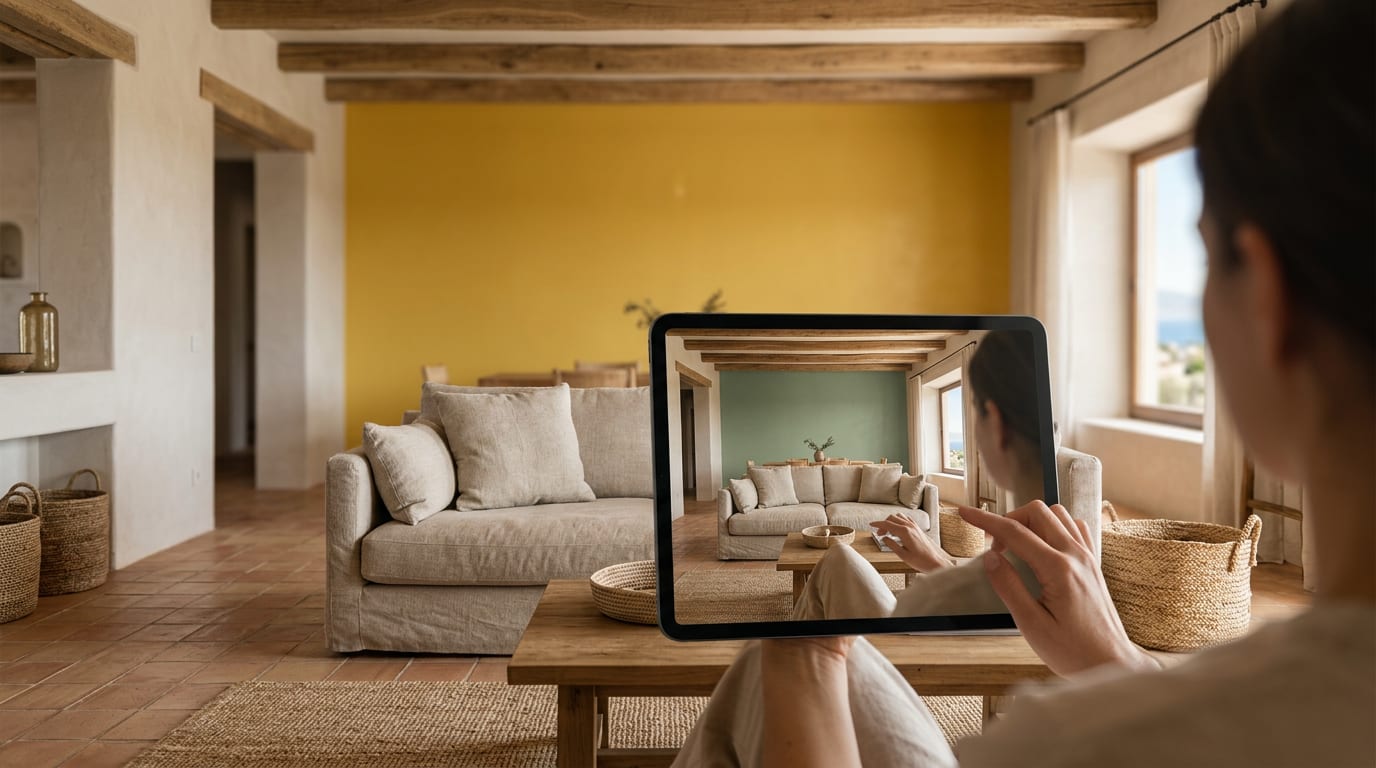
A seller's personal taste in paint—that deep burgundy dining room or lime green kitchen—is actively costing you clicks and viewings. You don't need to spend thousands on a physical paint job; you need to virtually change wall colors in your real estate photos to show buyers the home's true, neutral potential in under a minute.
Why Polarizing Paint Kills Your Listing's Potential
Outdated or overly bold wall colors are one of the biggest silent deal-killers in online real estate marketing. Most buyers lack the vision to see past a color they dislike. Instead of seeing a home's great layout, they see a weekend project, added cost, and immediate work.
This creates friction from the very first impression:
- Reduced Clicks: Listings with neutral, bright interiors consistently get more engagement than those with dark or dated colors.
- Perceived Work: Buyers mentally add the cost and effort of repainting to the purchase price, making your property seem less attractive.
- Poor First Impression: A polarizing color can make a space feel smaller, darker, or simply out of style, preventing buyers from appreciating the home's core features.
Physically repainting a property before sale is expensive and time-consuming. Virtual repainting offers a fast, cost-effective alternative to solve this exact problem.
How to Virtually Change Wall Colors: Step-by-Step Playbook
Using an AI platform like GetRestage, you can digitally repaint any room in seconds. This workflow replaces hours of manual Photoshop work or days of waiting for a contractor.
Step 1: Upload Your Original Photo
Log in to your GetRestage account. Create a new project for your listing and upload the high-resolution photo that features the problematic wall color.
Step 2: Select the AI Redecorate Tool
Once your image is uploaded, open the editor and navigate to the AI toolkit. Select the "Redecorate" or "Repaint" feature. This tool is specifically designed for modifying surfaces like walls, floors, and ceilings.
Step 3: Define the Walls and Describe the New Color
Use the simple masking tool to highlight the wall surfaces you want to change. Be precise but don't worry about perfect edges—the AI is smart enough to understand context. In the prompt box, describe the desired outcome. Use clear, simple language.
Effective Prompts:
- "Repaint the walls in a modern, light greige color."
- "Change the wall color to a warm off-white."
- "Make the walls a neutral, pale gray."
Step 4: Generate and Select the Best Result
Click "Generate." Within seconds, the AI will produce several photorealistic options with the new wall color, complete with accurate lighting, shadows, and texture. Choose the version that best showcases the room's potential and save it to your project. You can now use this image for your MLS, portal listings, and social media.
Comparing Virtual Repainting Options
Not all methods for changing wall colors are equal. AI-powered tools offer a clear advantage in speed and cost over traditional and manual digital methods.
| Method | Average Cost (EUR) | Turnaround Time | Scalability |
|---|---|---|---|
| Physical Repainting | €500 - €3,000+ per project | 3 - 7 days | Low (one property) |
| Manual Photoshop (Agency) | €15 - €40+ per photo | 24 - 72 hours | Medium |
| AI Virtual Repainting (GetRestage) | ~€0.36 - €0.48 per photo (2 credits) | < 60 seconds | High (unlimited) |
As the data shows, using an AI tool like GetRestage is the most efficient method for agents who need to quickly and affordably overcome buyer objections to paint color without delaying a listing's launch.
Frequently Asked Questions
Is virtually changing wall colors legal for real estate listings?
Yes, provided you disclose it. It is considered a digital renovation to showcase potential, much like virtual staging. A simple disclaimer like "Some images have been digitally enhanced to show design potential" in the listing description is a best practice for transparency.
What are the best neutral paint colors for virtual repainting?
Stick to universally appealing, modern neutrals. The most effective choices are light greige, soft off-white, and pale, warm grays. These colors make rooms feel brighter and larger, helping buyers envision their own furnishings in the space.
How does AI wall color change work?
AI platforms like GetRestage use generative AI models that have analyzed millions of interior design photos. The AI understands lighting, shadows, and perspective, allowing it to "repaint" a surface in a photorealistic way while preserving the original image's integrity and texture.
Next Steps
Don't let a seller's questionable color choices reduce your listing's online traffic and perceived value. By using AI to virtually change wall colors, you can present every property in its best possible light, attract more qualified buyers, and accelerate your sales cycle.
Ready to transform your property photos? Sign up for GetRestage and use your initial credits to repaint your first listing for free. See the difference a neutral palette makes in seconds.
Next step
Stage your next listing with Restage.